AhkWord

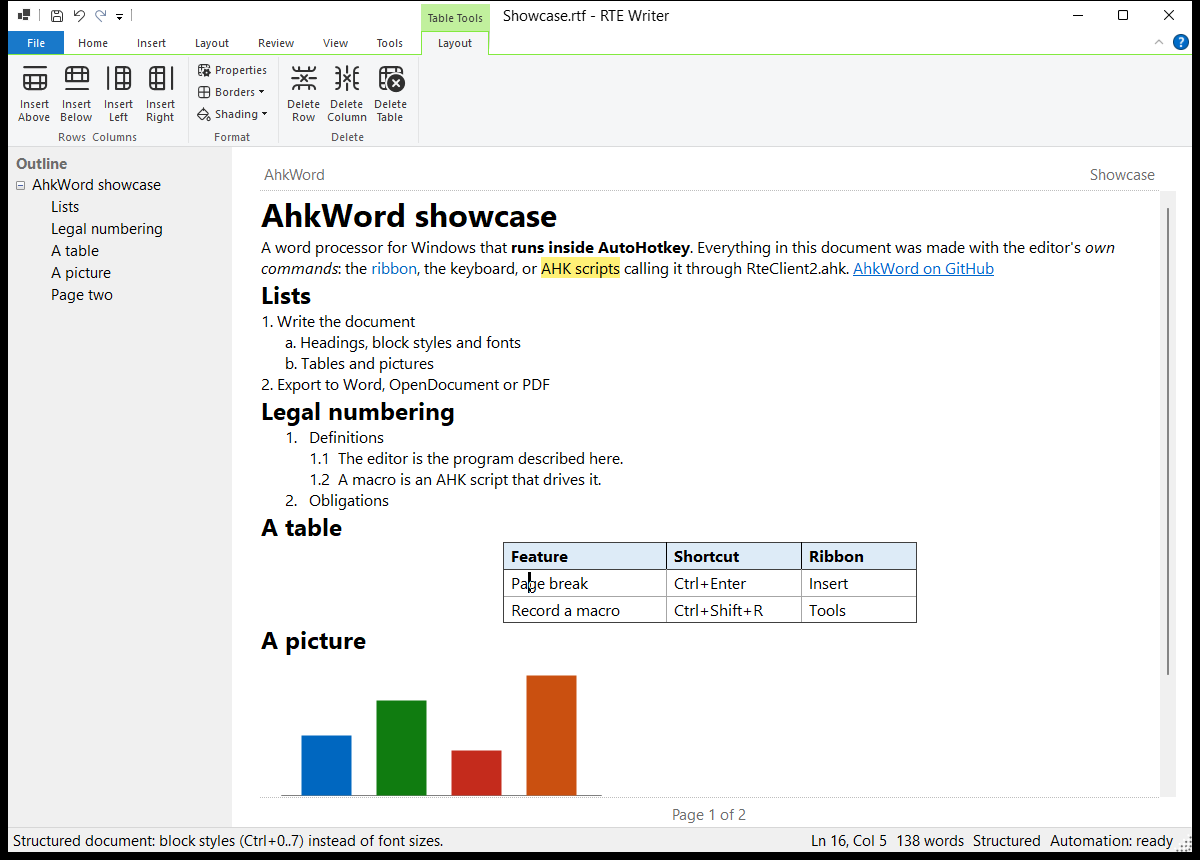
AhkWord is a word processor for Windows that AutoHotkey scripts can drive while you type.
It has what everyday writing needs (styles, lists, tables, headers and footers, page layout, printing and PDF), with particular care for the work of lawyers and contract drafters: numbered paragraphs that survive cutting and pasting, legal numbering, pleading line numbers, court-paper templates, and documents that go back and forth with Microsoft Word without losing their formatting.
And everything it does can be done from an AutoHotkey script: insert text, apply styles, fill in templates, react to the document being saved, or record your own steps as a macro.
Where to start
- New to AhkWord? Getting started installs it and opens your first document.
- Writing: the User guide goes through documents, styles, lists, tables and pages.
- Lawyers and drafters: For legal drafting gathers what matters most for pleadings, motions and contracts.
- Scripting: Automation shows how scripts control AhkWord, and the API reference lists every call.
A work in progress
AhkWord is being built in iterations, and this documentation describes the latest. It was called RTE Writer until iteration 38: its first start copies RTE Writer's settings, and scripts written for RTE Writer keep working.
What it is made of
AhkWord is written in C# and runs inside AutoHotkey v2. Its editor is RichEditorNET, a .NET wrapper of the Windows RichEdit control, and its commands are on the Windows Ribbon. Csharp-in-AHK compiles its source when it starts, so there is no build step. It is free and open source, under the MIT license, at github.com/burque505/AhkWord.